Simply Annotate 0.9.8: Threaded Conversations on Your Code
I have been busy improving my annotation package! Simply Annotate, the latest release is 0.9.8 and I have put in a bunch of new features, so it felt like a good time to step back and show what the package actually does at this point, because honestly, quite a lot has changed since I last wrote about it.

There are annotation packages out there already, annotate.el being the most established. And they are good! But I kept running into the same friction: I wanted threaded conversations directly on my code, I wanted multiple display styles I could combine, and I wanted the whole thing to be a single file with no dependencies that I could drop onto an air-gapped machine and just use (yup, that again!)
So I built my own!, this is Emacs, after all.
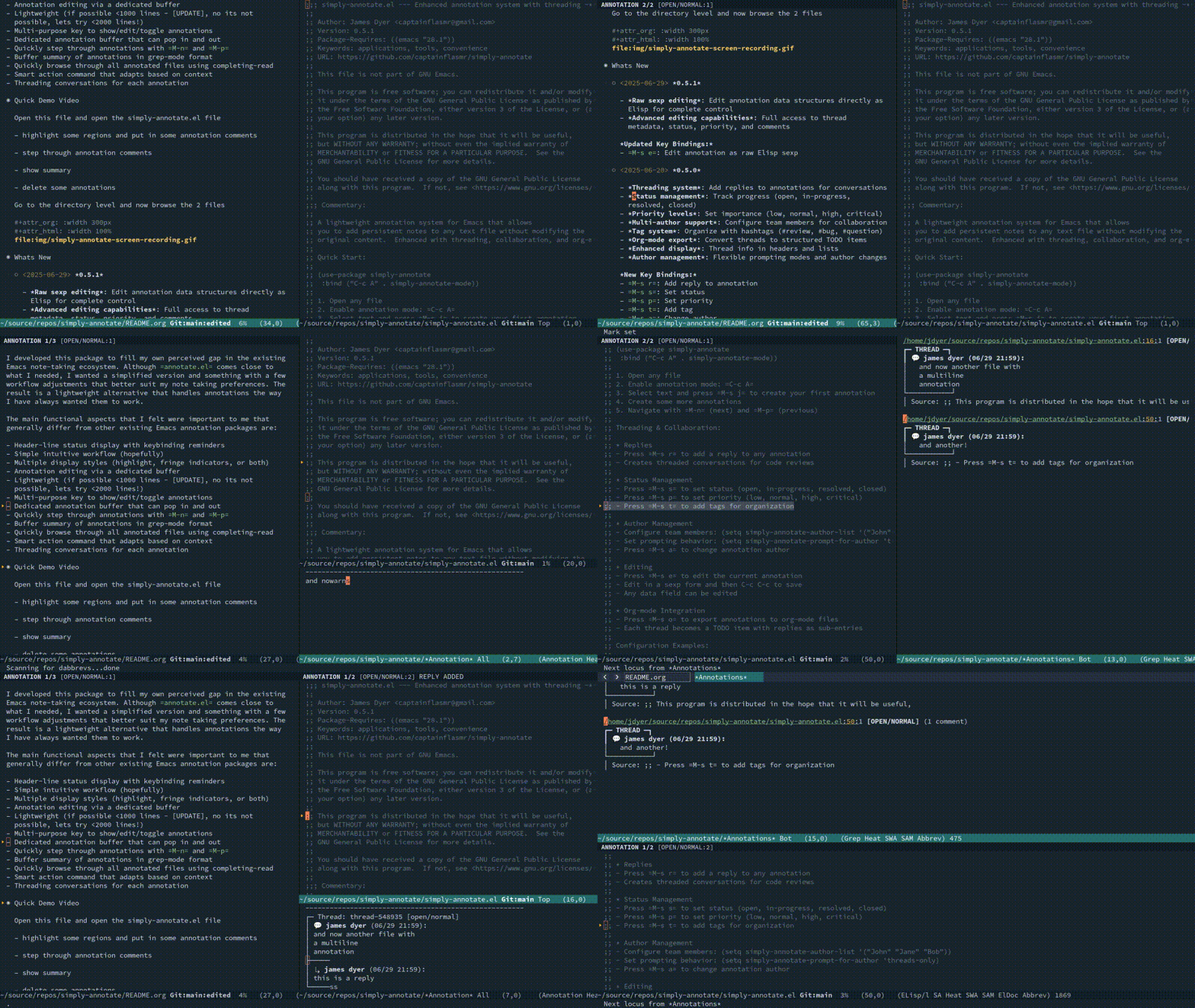
At its core, simply-annotate lets you attach persistent notes to any text file (or Info manual, or dired buffer) without modifying the original content. Annotations are stored in a simple s-expression database at ~/.emacs.d/simply-annotations.el. The entire package is a single elisp file, requires Emacs 28.1+, and has zero external dependencies.
Basic setup is two lines:
(use-package simply-annotate
  :bind-keymap ("C-c a" . simply-annotate-command-map)
  :hook (find-file-hook . simply-annotate-mode))
Or if you prefer require:
(require 'simply-annotate)
(global-set-key (kbd "C-c a") simply-annotate-command-map)
(add-hook 'find-file-hook #'simply-annotate-mode)
Open a file, select some text, press C-c a j, and you have your first annotation. M-n and M-p step through them.
I am always fiddling around with styles, themes, backgrounds e.t.c, so I thought I would build this tinkering enthusiasm into this package. Simply-annotate has five display styles, and you can layer them together:
- Highlight – classic background colour on the annotated region
- Tint – a subtle background derived from your current theme, lightened by a configurable amount. Adapts automatically when you switch themes
- Fringe – a small triangle indicator in the fringe, minimal and unobtrusive
- Fringe-bracket – a vertical bracket spanning the full annotated region in the fringe, with a proper top cap, continuous vertical bar, and bottom cap
- Subtle – overline and underline bracketing the region, barely visible but there when you need it
You can combine them, so (tint fringe-bracket) gives you a gentle background wash with a clear fringe bracket showing exactly where the annotation spans. Cycle through styles with C-c a '.
Toggle inline display with C-c a / and annotation content appears as box-drawn blocks directly in your buffer:
    some annotated code here
    ▴
┌─ ✎ [OPEN/NORMAL] ──────────────
│ This function needs refactoring.
│ The nested conditionals are hard
│ to follow.
└─────────────────────────────────
New in 0.9.8 is the inline pointer, that little ▴ connecting the box to the annotated text. It is indented to the exact column where the annotation starts, so you always know what the comment refers to.
The fun bit is that the pointer is just a string, and it supports multiline. So you can customise it to whatever shape you like:
;; Simple arrow (default)
(setq simply-annotate-inline-pointer-after "▴")
(setq simply-annotate-inline-pointer-above "▾")

;; Heavy L-bracket (my current favourite)
(setq simply-annotate-inline-pointer-after "┃\n┗━▶")
(setq simply-annotate-inline-pointer-above "┏━▶\n┃")

;; Speech bubble tail
(setq simply-annotate-inline-pointer-after " ╰┐")
(setq simply-annotate-inline-pointer-above " ╰┐")

;; Decorative diamond
(setq simply-annotate-inline-pointer-after "◆")
(setq simply-annotate-inline-pointer-above "◆")
There is a full list of copy-paste options in the Commentary section of the elisp file. Set to nil to disable the pointer entirely.
So I think this is where simply-annotate really differs from other annotation packages. Every annotation is a thread. You can reply to it with C-c a r, and replies can be nested under any comment in the thread, not just the root. It prompts with a hierarchical completing-read menu showing the comment tree.
Each thread has:
- Status – open, in-progress, resolved, closed (
C-c a s) - Priority – low, normal, high, critical (
C-c a p) - Tags – freeform hashtags for organisation (
C-c a t) - Author tracking – configurable per-team, per-file, or single-user
The comment tree renders with box-drawing characters so the hierarchy is always clear:
┌— ® [OPEN/NORMAL] —
| james dyer (03/29 08:27)
|   This is the original comment
| L james dyer (03/29 08:27)
| |   here is a reply to this comment
| | L james dyer (@3/29 08:27)
| |     and a reply within a reply!!
| L james dyer (03/29 08:28)
|    Here is another reply to the original comment
└────────────────────
For team collaboration:
(setq simply-annotate-author-list '("Alice" "Bob" "Charlie"))
(setq simply-annotate-prompt-for-author 'threads-only)
(setq simply-annotate-remember-author-per-file t)
Annotations exist at three levels: file (whole-file overview), defun (function or block description), and line (individual elements). There is also an all pseudo-level that shows everything at once, which is the default.
Cycle levels with C-c a ] and C-c a [. The header-line shows counts per level (FILE:2 | DEFUN:5 | LINE:3) with the active level in bold, so you always know where you are, my idea here is to lean towards a coding annotation tool to help teach code or help to remember what has been implemented, so the levels start at a broad file overview and enables you to switch instantly to a more granular level.
The org-mode listing (C-c a l) gives you a foldable, navigable overview of all annotations in the current file, grouped by level. Press n and p to step through headings, RET to jump to source.
New in 0.9.6, the tabular listing (C-c a T) opens a fast, sortable table using tabulated-list-mode (a feature in Emacs I am starting to leverage more). Columns for Level, Line, Status, Priority, Comments, Tags, Author, and the first line of the comment. Click column headers to sort. This is brilliant for getting a quick birds-eye view of all the open items in a file.
For the global view, simply-annotate-show-all gathers annotations from every file in the database into a single org-mode buffer.
Enable simply-annotate-dired-mode and dired buffers show fringe indicators next to files that have annotations. You can see at a glance which files have notes attached:
(add-hook 'dired-mode-hook #'simply-annotate-dired-mode)
Info manuals are also fully supported. Annotations are tracked per-node, and the listing and jump-to-file commands navigate to Info nodes seamlessly.
Press C-c a e and you can edit the raw s-expression data structure of any annotation. Every field is there: thread ID, status, priority, tags, comments with their IDs, parent-IDs, timestamps, and text. C-c C-c to save. This is the escape hatch for when the UI does not quite cover what you need.
Rather than writing paragraphs about how simply-annotate compares to other packages, I have put together a feature matrix in the README. The short version: if you want threaded conversations, multiple combinable display styles, annotation levels, a smart context-aware command, and zero dependencies in a single file, this is the package for you. If you need PDF annotation, go with org-noter or org-remark, they are excellent at that.
(use-package simply-annotate
  :bind-keymap ("C-c a" . simply-annotate-command-map)
  :hook (find-file-hook . simply-annotate-mode))

(with-eval-after-load 'simply-annotate
  (add-hook 'dired-mode-hook #'simply-annotate-dired-mode))
The package is available on GitHub on melpa at simply-annotate or https://github.com/captainflasmr/simply-annotate. There is also an Info manual if you run M-x info and search for simply-annotate.