Highlighting git changes in a buffer with diff-hl
Lately I’ve found myself wanting a better, more fine-grained view of what’s going on in a file under git. For some reason, my default workflow has been to keep jumping in and out of project-vc-dir to check changes. It gets the job done, but honestly it’s a bit of a hassle.
What I really wanted was something right there in the buffer. Not a full-on inline diff (that gets messy fast I would guess), but just a small visual hint, something that lets me “see” what’s changed without breaking my flow.
Turns out, that’s exactly what diff-hl does!
It’s super lightweight and just highlights changes in the fringe. Nothing flashy but just enough to keep you aware of what you’ve modified. Once you start using it, it feels kind of weird not having it.
One thing I really like is how nicely it plays with the built-in VC tools, move to a buffer position that aligns with a highlighted change, hit C-x v = and it jumps straight to the relevant hunk in the diff. No friction, no extra thinking, it just works.
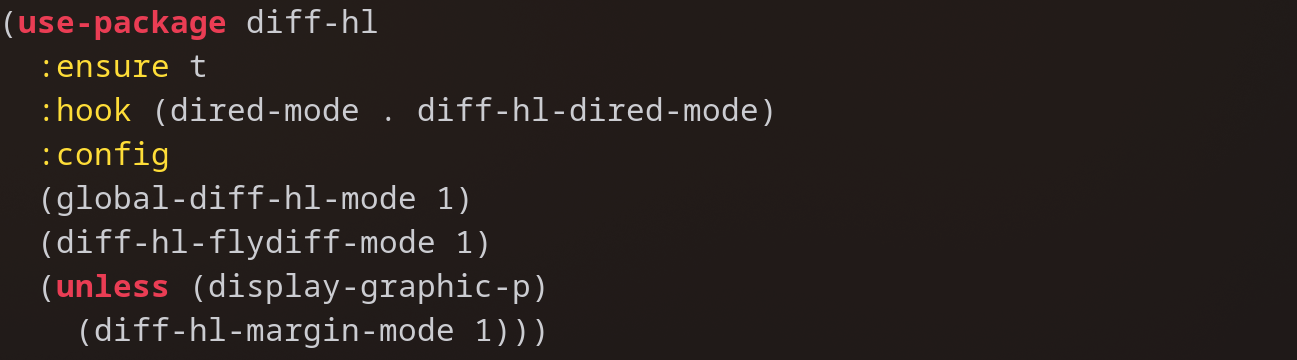
Here’s the setup I’m using:
(use-package diff-hl
  :ensure t
  :hook (dired-mode . diff-hl-dired-mode)
  :config
  (global-diff-hl-mode 1)
  (diff-hl-flydiff-mode 1)
  (unless (display-graphic-p)
    (diff-hl-margin-mode 1)))
By default, diff-hl-mode only updates when you save the file. That’s okay, but enabling diff-hl-flydiff-mode makes it update as you type, which feels more intuitive.
Oh, and that dired-mode hook? That turns on diff-hl-dired-mode, which gives you a quick visual overview of changed files right inside dired. It’s one of those small touches that ends up being surprisingly useful.
If you’ve got repeat-mode enabled, you can also hop through changes with C-x v ] and C-x v [, which makes reviewing edits really smooth.
I am enjoying diff-hl and is quietly improving my workflow without getting in my way. Simple, fast, and just really nice to have.